
Get Paid Without Leaving Syncro
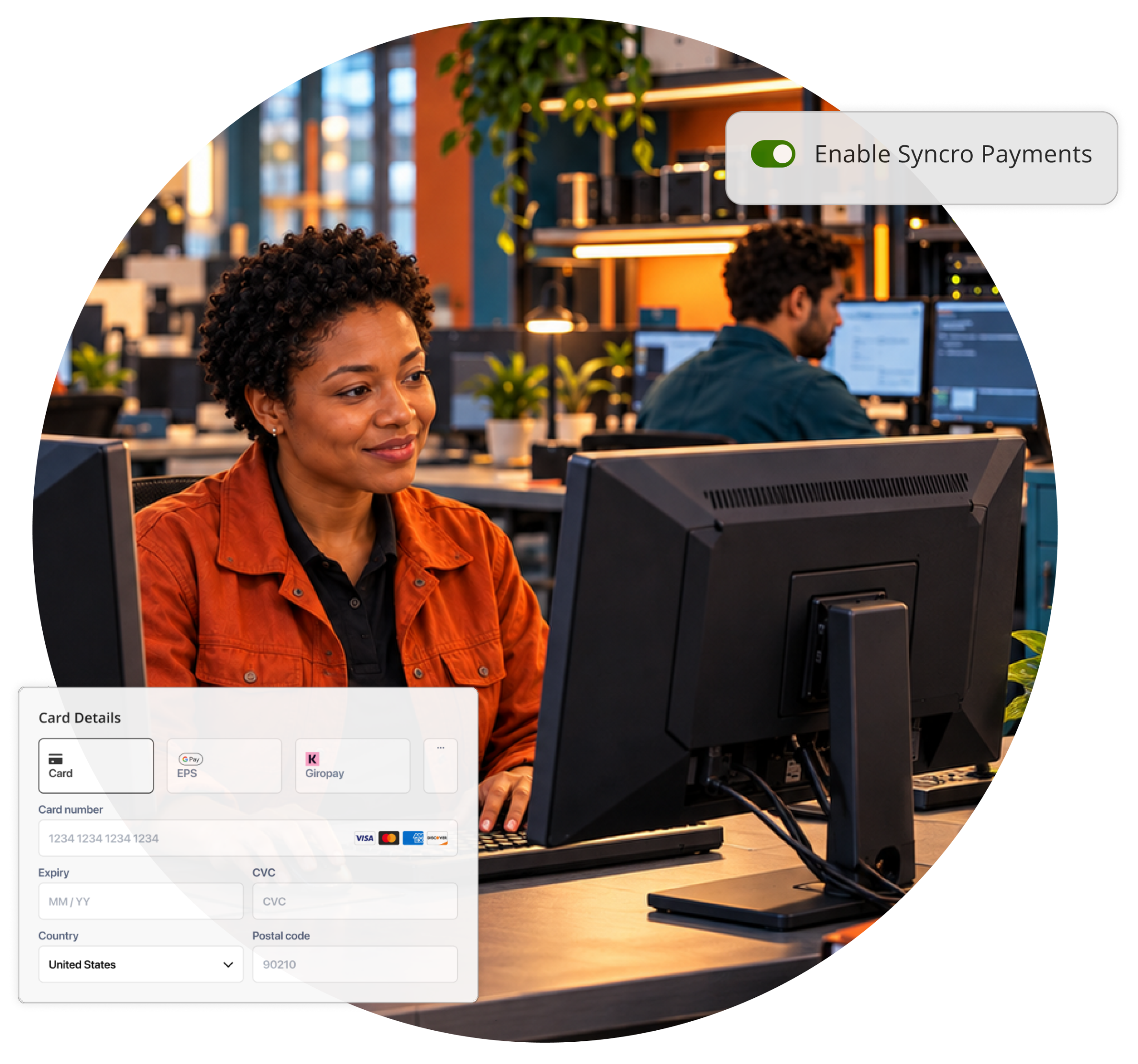
Syncro Payments puts credit card and ACH billing right inside your invoicing, so clients pay in a click and the money shows up where you already work. Transparent per-transaction pricing. No monthly fees, no minimums.

Transparent Pricing
2.9% + $0.30 per credit card transaction. ACH is 0.8%, capped at $5. No monthly fees.

Fully Integrated
Built into invoices and recurring billing, not a separate login

Backed by Stripe
Bank-level security and PCI compliance, handled for you.
See It In Action
One Dashboard. Every Dollar.
Track payments, payouts, and reporting without switching tools. Everything lives inside Syncro, from the first charge to the tax forms.
Let Clients Pay Their Way, and Manage It Themselves
Clients can update their own credit card or bank details, and you decide what they’re allowed to use. Turn off credit cards for specific accounts, control who can store a payment method, and keep the rules yours.
Track Every Payment in One Place
Filter transactions by amount, date, status, or payment method. If a client ever disputes a charge, you’ll see the status and response deadline right here, no separate portal to check.
Know Exactly Where Your Payouts Stand
See which account your money is headed to, when it’s scheduled to arrive, and its status along the way. No guessing, no separate dashboard to check.
See the Net Amount, Not Just the Charge
Every transaction shows what the client paid and what actually lands in your account after processing fees, logged against the client it came from in real time.
Skip the Tax-Season Scramble
Download tax forms, reconciliation reports, and fee summaries whenever you need them. No separate portal required.
Why Syncro Payments

Built for How You Actually Bill
Manual payments, partial payments, split charges across two credit cards, and ACH capped at $5 no matter the invoice size. Handle real invoices, not just the easy ones.

No Extra Portal
Payouts, reporting, and disputes all live in Syncro. Stop logging into Stripe just to answer a client’s question.

Clients Handle Their Own Updates
A card expires or a bank account changes, your client fixes it themselves in their own portal. One less ticket in your queue.
Built for How You Actually Bill
Manual payments, partial payments, split charges across two credit cards, and ACH capped at $5 no matter the invoice size. Handle real invoices, not just the easy ones.
No Extra Portal
Payouts, reporting, and disputes all live in Syncro. Stop logging into Stripe just to answer a client’s question.
Clients Handle Their Own Updates
A card expires or a bank account changes, your client fixes it themselves in their own portal. One less ticket in your queue.

“I can run my entire IT business from a single pane of glass… I use Syncro every day to manage my operations, invoices, payments, and more.” — David C., MSP Owner
David C.
MSP Owner
SYNCRO RESOURCES

Invoicing 101: Activate Your Billing System

About Payment Processor Integrations

Customer Reports: Stored Payment Profiles
Frequently Asked Questions
Credit card payments are a flat 2.9% + $0.30 per transaction. ACH transfers are 0.8% per transaction, capped at $5, so a $500 payment and a $50,000 payment cost the same to process. No monthly fees, no minimums, you only pay for what you process.
ACH payments typically settle in about 4 business days, or 2 business days with Two-Day Settlement enabled. After that, most banks post the deposit within 1 to 2 additional business days.
Yes. Permissions let you enable or disable credit card, ACH, and stored payment methods per client, right down to turning off credit cards for a specific account.
Disputes show up in the Payments dashboard with their status and response deadline, so you can track and respond without leaving Syncro.

Start Your Free Trial with Syncro Today
Gain instant access. Go live in just a few clicks and master core features with guided onboarding. No heavy setup required.

Start Your Free Trial with Syncro Today
Gain instant access. Go live in just a few clicks and master core features with guided onboarding. No heavy setup required.