
Modern IT departments are expected to do more with less—support hybrid workforces, secure growing device fleets, meet compliance requirements, and communicate clearly with leadership. The common thread? Reliable, real-time IT reporting.
The right IT reporting tools help internal IT teams:
- Gain real-time visibility into devices, users, and systems
- Track security posture and operational health
- Produce executive-ready reports for leadership and compliance
- Identify trends to drive proactive IT decisions
- Automate manual reporting workflows to save time
As environments grow more complex, reporting can’t live in a silo. The most effective organizations now rely on secure IT management platforms that unify visibility, controls, and reporting in one place.
What to Look for in IT Reporting Tools
When evaluating IT reporting software, IT departments should prioritize tools that are:
1) Built for Security-First IT Operations
Look for platforms that embed reporting into a secure IT management framework—including access controls, audit trails, and data protection. Reporting should support security reviews, risk assessments, and compliance initiatives.
2) Centralized and Real-Time
Fragmented tools create blind spots. The best IT reporting platforms unify device data, system health, asset information, and operational metrics into a single source of truth.
3) Executive-Ready
IT leaders need reporting that translates technical data into clear business insights—uptime, performance trends, risk exposure, and resource utilization.
4) Automated and Customizable
Manual reporting drains time. Look for tools that offer automated reporting schedules, role-based dashboards, and flexible exports for audits and leadership updates.
5) Scalable for Growing Environments
As your organization grows, your reporting needs will evolve. Choose tools that scale across locations, device types, and teams without adding operational friction.
Best IT Reporting Tools for IT Departments
Below is a practical comparison of leading platforms used by internal IT teams for reporting and visibility. Ratings reflect public review averages as of early 2026 and may change over time.
Syncro: Secure IT Management Platform
Best for: IT departments seeking centralized visibility, automation, and security-focused reporting
Overview
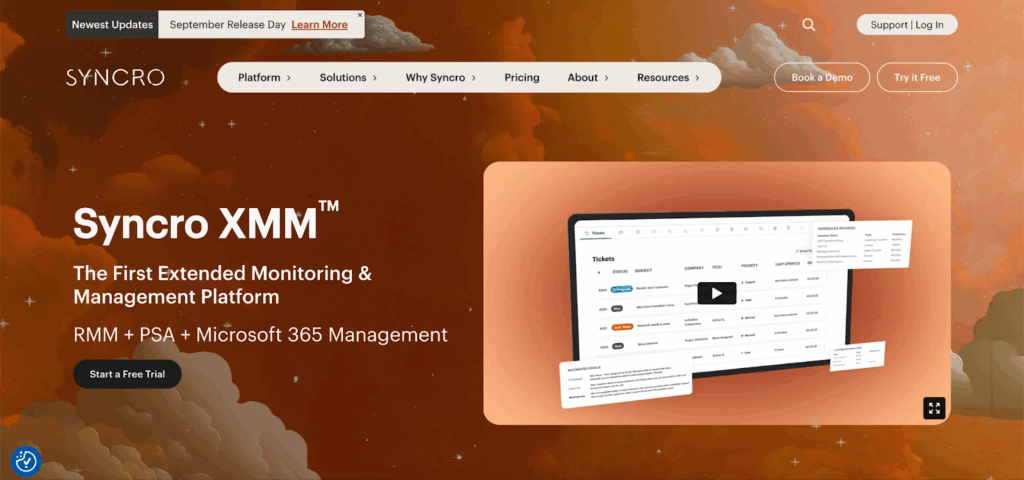
Syncro is a secure IT management platform designed to help IT departments manage devices, users, and operational workflows from a single system. Its reporting capabilities support day-to-day IT operations as well as leadership and security reviews.
Key strengths for IT reporting:
- Centralized reporting across IT operations
- Customizable dashboards for IT leaders and stakeholders
- Automated reporting for recurring operational and compliance needs
- Role-based access controls to support secure reporting workflows
- Designed to reduce tool sprawl by consolidating IT visibility
Considerations: Organizations with highly specialized or niche reporting needs may want to validate specific templates or data exports during evaluation.
G2 rating: (4.5/5)
NinjaOne
Best for: Endpoint-focused reporting and operational visibility
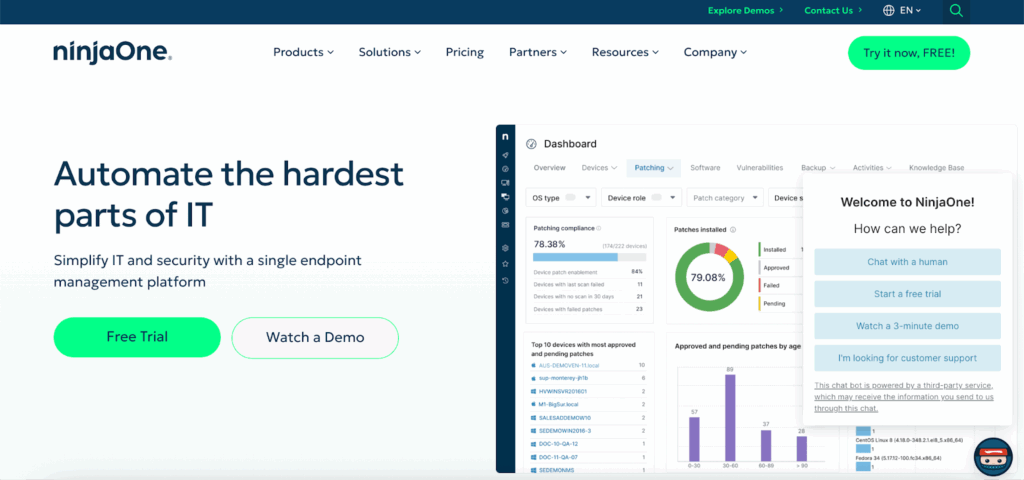
Why teams choose NinjaOne: NinjaOne is known for strong endpoint visibility and reporting around device performance and system health.
Strengths
- Clean reporting interface
- Strong visibility into endpoint health and performance
- Useful for device-centric IT reporting
Considerations: Reporting is most powerful when your primary need is endpoint management visibility rather than broader IT operations reporting.
G2 rating: (4.7/5)
Atera
Best for: Lightweight IT reporting in smaller environments
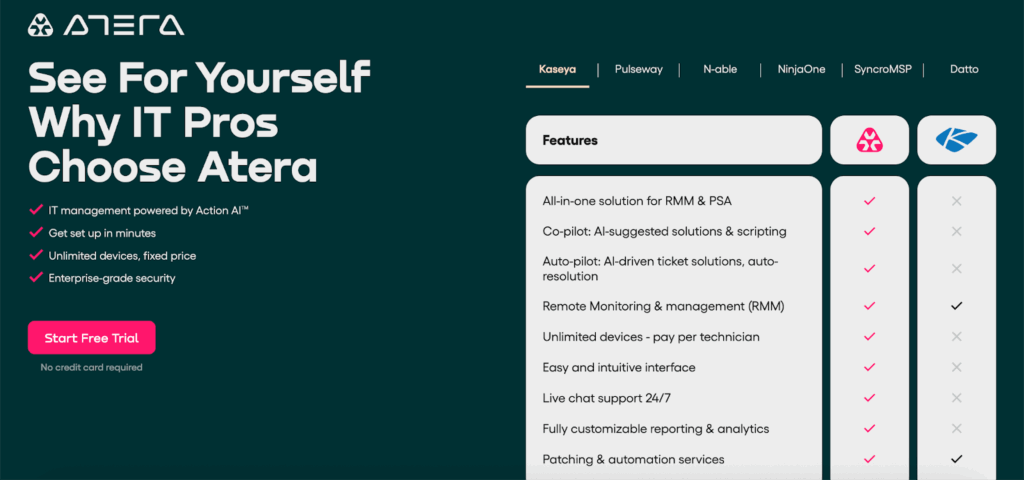
Why teams choose Atera: Atera offers straightforward reporting and dashboards that can work well for smaller IT departments seeking basic operational visibility.
Strengths
- Easy-to-use reports
- Simple setup for routine IT metrics
- Useful for small to mid-sized teams
Considerations: Larger enterprises may find reporting depth and customization more limited at scale.
G2 rating: (4.6/5)
Datto RMM
Best for: Infrastructure monitoring and operational reporting
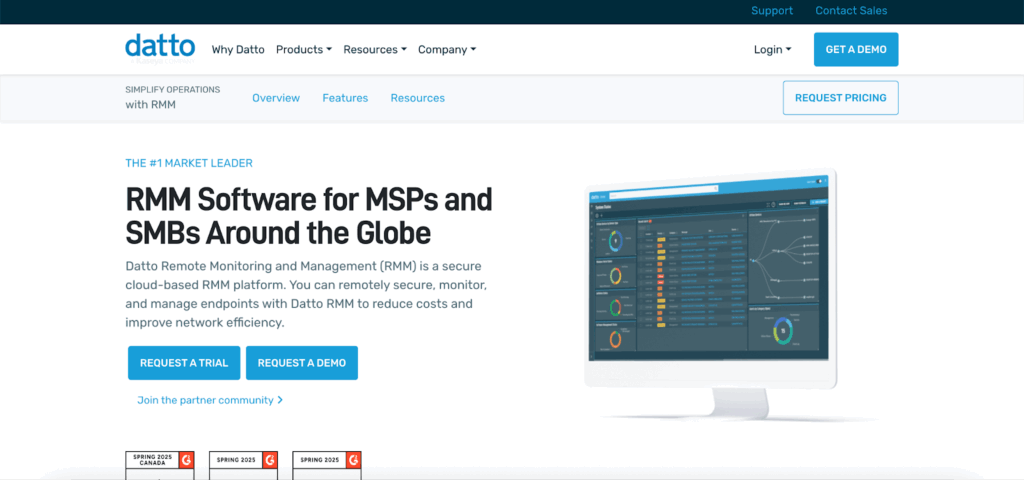
Why teams choose Datto RMM: Datto RMM provides infrastructure-focused reporting and monitoring capabilities that support operational visibility.
Strengths
- Reporting tied closely to infrastructure health
- Useful for performance and uptime tracking
- Solid for operational metrics
Considerations: May require additional tools to achieve broader IT management reporting across users, assets, and workflows.
G2 rating: (4.5/5)
N-able N-sight RMM (formerly SolarWinds RMM)*
Best for: IT teams transitioning from legacy RMM tooling
*Following the completion of its MSP business spin-off, SolarWinds MSP became the independent company N-able, Inc. in 2021. As part of product evolution, the legacy RMM offering from this business — often historically referred to as SolarWinds RMM — was rebranded and expanded into N-able N-sight RMM under the N-able brand.
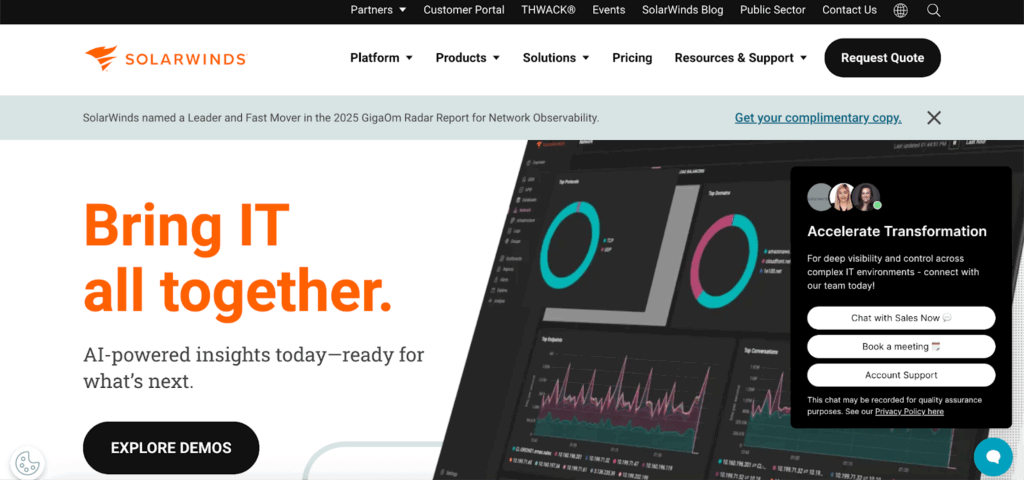
Why teams choose N-sight RMM: Often used by teams familiar with legacy SolarWinds RMM branding, N-sight offers reporting tied to system and device monitoring.
Strengths:
- Familiar reporting model for teams migrating from older tools
- Infrastructure-centric reporting
- Operational dashboards
Considerations: Branding and product evolution can create confusion; IT teams should confirm current capabilities align with internal reporting needs.
G2 rating: (4.3/5)
ManageEngine Analytics Plus
Best for: Analytics-heavy IT reporting and visualization
Why teams choose ManageEngine Analytics Plus: Analytics Plus is useful for IT teams that want deeper reporting and visualization across operational data sources.
Strengths
- Advanced analytics and dashboards
- Flexible reporting visualizations
- Useful for trend analysis and leadership reporting
Considerations: May require more setup and configuration compared to more unified IT management platforms.
G2 rating: (4.4/5)
Why IT Management Platforms Are Replacing Standalone Reporting Tools
Reporting can’t be an afterthought. IT departments are increasingly choosing secure IT management platforms over standalone reporting tools because they:
- Reduce data silos
- Improve security and access control over reports
- Provide real-time visibility instead of static snapshots
- Support compliance, audits, and security reviews
- Enable automation across IT operations and reporting workflows
Platforms like Syncro bring reporting into the core of IT management—so insights are timely, actionable, and secure by design.
How to Choose the Right IT Reporting Tool for Your Organization
Before selecting an IT reporting solution, ask:
- Do we need security-first reporting for audits and compliance?
- Can this tool give leadership clear, executive-ready insights?
- Will reporting scale as our device fleet and workforce grow?
- Can we automate recurring reports and dashboards?
- Does the platform reduce the number of tools we manage today?
If your organization wants reporting tightly integrated into daily IT operations—with security, automation, and centralized visibility—evaluating a platform like Syncro can be a strong starting point.
Final Takeaway
The most effective IT departments don’t just collect data—they operationalize it. Choosing the right IT reporting solution means looking beyond dashboards and toward secure IT management platforms that unify visibility, automation, and security.
For teams seeking centralized, security-first reporting that scales with modern IT operations, Syncro stands out as a strong option to evaluate alongside other leading tools in the market.
Frequently Asked Questions About IT Reporting Tools
IT reporting tools help IT departments collect, analyze, and present data about devices, systems, performance, and security to support operations and leadership decision-making.
Standalone reporting tools focus on data visualization. Secure IT management platforms integrate reporting with device management, automation, and security controls for end-to-end visibility.
Evaluate tools based on your business size, client needs, and industry. Look for features like integration with existing systems, customizable dashboards, automated scheduling, compliance-ready templates, and pricing that fits your scale. Testing demos or free trials is the best way to validate fit.
Yes, many IT reporting tools include compliance-ready templates, audit logs, and security features that help IT departments meet regulatory standards in industries like healthcare, finance, and government.
The best option depends on your environment. Many IT departments prefer platforms like Syncro that unify reporting within a secure IT management framework rather than relying on fragmented tools.

Share
Related Resources