
Patch management remains one of the most effective ways IT departments can reduce security risk. Manually monitoring vendor patch releases and updating software across a growing device inventory is inefficient and error-prone. Automated patch deployment and centralized patch management tools are essential for maintaining secure, stable IT environments in 2026.
When evaluating patch management software, IT departments should consider operating system support, automation depth, risk prioritization, reporting capabilities, deployment flexibility, and long-term platform innovation.
In this post, we’ll break down what to look for in patch management software and review eight of the best patch management tools IT departments should evaluate.
What to Look for in Patch Management Software
Search for “patch management software” and you’ll find dozens of platforms. The right solution depends on your infrastructure, compliance requirements, and operational model. Here are the key capabilities to evaluate.
Operating System Support
Many environments are no longer Windows-only. As organizations adopt macOS and Linux systems, patch management tools must support multiple operating systems to avoid future limitations.
Alignment with Risk Profile
Distributed teams and hybrid work models expand the attack surface. Patch management tools should allow centralized control across remote endpoints without disrupting productivity.
Look for platforms that:
- Detect missing patches automatically
- Prioritize critical vulnerabilities
- Deploy updates remotely
- Provide visibility into patch status across devices
Automation
Manual patching does not scale. Automated patch detection, approval workflows, and deployment scheduling reduce oversight burden and shorten remediation timelines.
Automation also ensures operating systems and third-party applications remain consistently updated.
Reboot Customization
Some updates require reboots. Customization controls should allow you to schedule, delay, or suppress restarts based on business impact.
Reporting and Analytics
Audit-ready reporting is critical for compliance and accountability. Patch management software should provide dashboards, compliance metrics, and deployment timelines to evaluate performance.
Flexibility
IT departments should avoid unnecessary tech bloat. Look for pricing models that scale logically and integrations that extend platform functionality without forcing bundled tools you don’t need.
Platform Innovation
Innovation and ongoing improvement are critical for patch management software. Look for software that solicits customer feedback and uses it to optimize the patching process, improve IT ticketing management and build a product roadmap for ultimate transparency.
8 Best Patch Management Tools IT Teams Should Evaluate
Here are eight of the best patch management tools:
1. Syncro
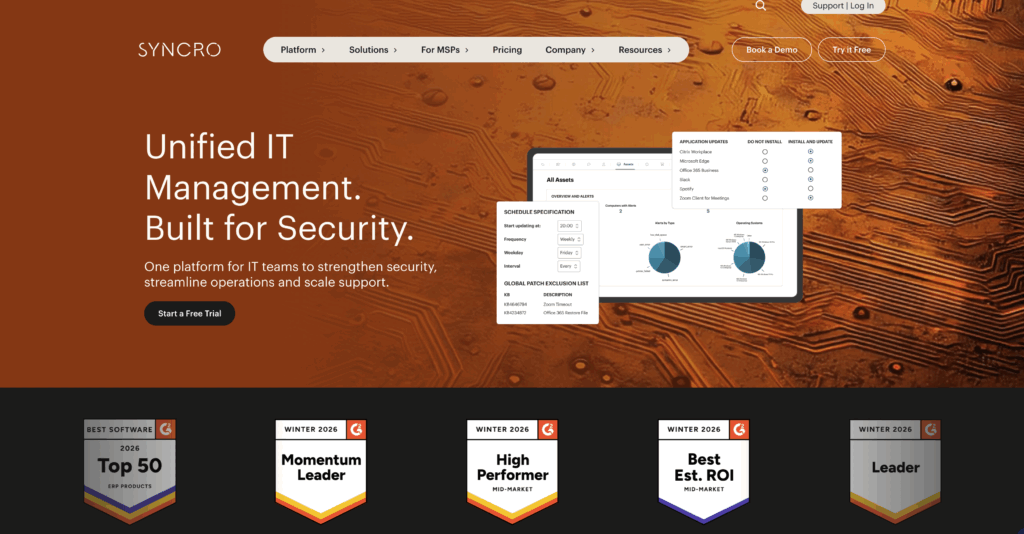
Syncro is a unified, secure IT management platform that combines patch management, endpoint management, service automation, and more, enabling IT departments to manage their IT environments and centralize reporting from a single interface.
Key Features:
- Unlimited Windows and Mac endpoints
- Automated Windows patch management
- Policy inheritance for device governance
- Community script library and custom automation
- Remote backgrounding tools including PowerShell
- Customizable reports and Power BI templates
- Add-on integration with Acronis
- Integrations with Microsoft 365, QuickBooks, Zapier, and more
Pros and Cons:
- Pros: Unified IT management platform, unlimited endpoints, no contracts, strong automation capabilities, Windows and Mac support.
- Cons: Organizations seeking a patch-only niche solution may find broader functionality more than they require.
Pricing: Included in Core Plan for $129 per user/per month
2. Applivery
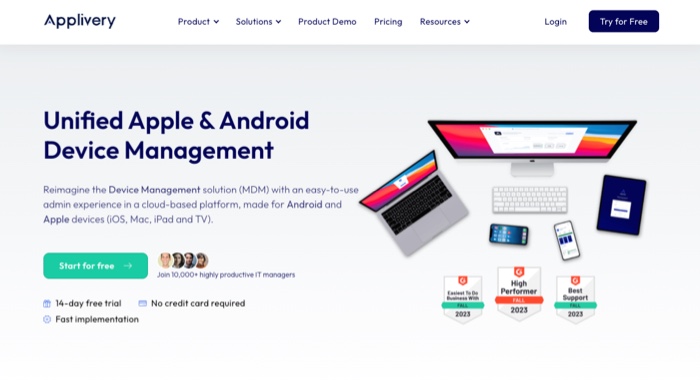
Applivery is a remote device management platform with patching functionality, particularly strong for Android and macOS environments.
Key Features:
- Automated patch detection and deployment
- Policy-based device controls
- Domain blocking
- APIs
- Third-party patching
Pros and Cons:
- Pros: Strong mobile and macOS support.
- Cons: Limited business management capabilities; pricing based on endpoints.
3. Patch My PC
Patch My PC focuses on automating third-party application updates for Microsoft Endpoint Manager environments.
Key Features:
- Automated third-party patching
- Intune multi-tenant management
- Compliance manager
- Custom scripting
Pros and Cons:
- Pros: Strong Microsoft ecosystem support.
- Cons: Endpoint-based pricing; limited iOS support.
4. BatchPatch
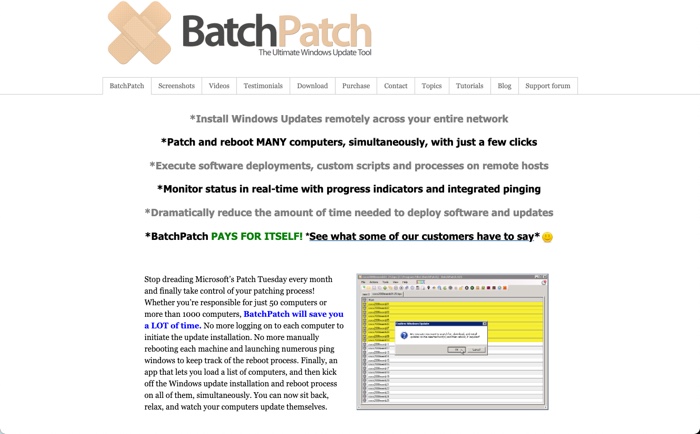
BatchPatch is designed for high-volume Windows update management.
Key Features:
- Integrated job queues
- Windows update history reports
- Task scheduling
- Remote process termination
Pros and Cons:
- Pros: Efficient for Windows-heavy environments.
- Cons: Windows-only; limited broader IT management functionality.
Pricing: Not explicitly stated.
5. Automox
Automox is a cloud-native patch management platform offering cross-OS support and automation.
Key Features:
- Automated patch deployment
- Vulnerability detection
- Real-time reporting
- Custom update rules
Pros and Cons:
- Pros: Cross-platform support; automation-first approach.
- Cons: Endpoint-based pricing; tiered support plans.
6. JetPatch
JetPatch provides patch automation with flexible deployment models, including on-prem, SaaS, and hybrid options.
Key Features:
- Zero-day remediation workflows
- Patch compliance dashboards
- SLA reporting
- Agent management
Pros and Cons:
- Pros: Strong compliance focus.
- Cons: Primarily focused on patching and remediation rather than broader IT operations.
Pricing: Not explicitly stated.
7. FileWave
FileWave offers multi-OS device management with efficient content distribution technology.
Key Features:
- Multi-OS support
- Traffic encryption
- Remote wipe
- Data dashboards
Pros and Cons:
- Pros: Wide OS coverage; onboarding support.
- Cons: Limited integrated IT service management features.
Pricing: Not explicitly stated.
8. NinjaOne Patch Management
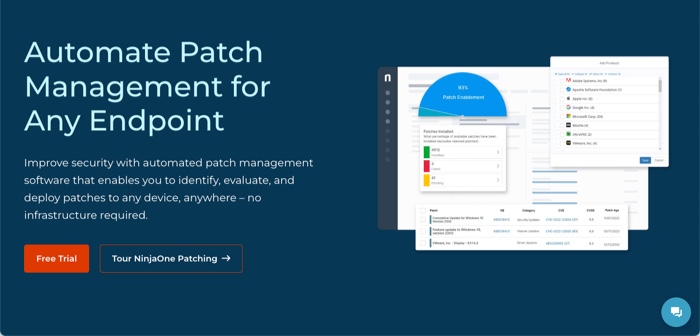
NinjaOne provides automated patch management for Windows, macOS, and Linux systems.
Key Features:
- Automated patch approval
- Cloud-based monitoring
- Windows server patching
- Registry editor
Pros and Cons:
- Pros: Cross-platform patching with automation.
- Cons: Does not include fully integrated billing or service automation functionality.
Pricing: Not explicitly stated.
Simplify patch management with Syncro
As IT environments grow more distributed, patch management must be automated, centralized, and policy-driven. Tools that combine patching, monitoring, reporting, and workflow automation in one platform reduce operational complexity and improve security consistency.
Syncro provides automated patching, centralized reporting, and integrated IT management capabilities within a single platform — helping IT departments maintain visibility, reduce vulnerability exposure, and scale efficiently.
Start a free trial to see how Syncro supports IT operations in 2026.
Frequently Asked Questions About Patch Management Tools
The best patch management tool depends on your environment, operating systems, and compliance requirements. Look for platforms that support multi-OS environments, automate deployment, and provide centralized reporting.
Automation reduces human error, shortens vulnerability remediation time, and ensures consistent policy enforcement across endpoints.
Core features should include vulnerability detection, automated deployment, reboot scheduling, compliance reporting, risk prioritization, and centralized visibility.
Consistent patching reduces exposure to known vulnerabilities, strengthens system stability, and improves compliance readiness — all core components of secure IT management.
Yes. Modern patch management platforms allow centralized control across distributed endpoints, enabling updates without requiring on-site access.

Share
Related Resources